Bridge
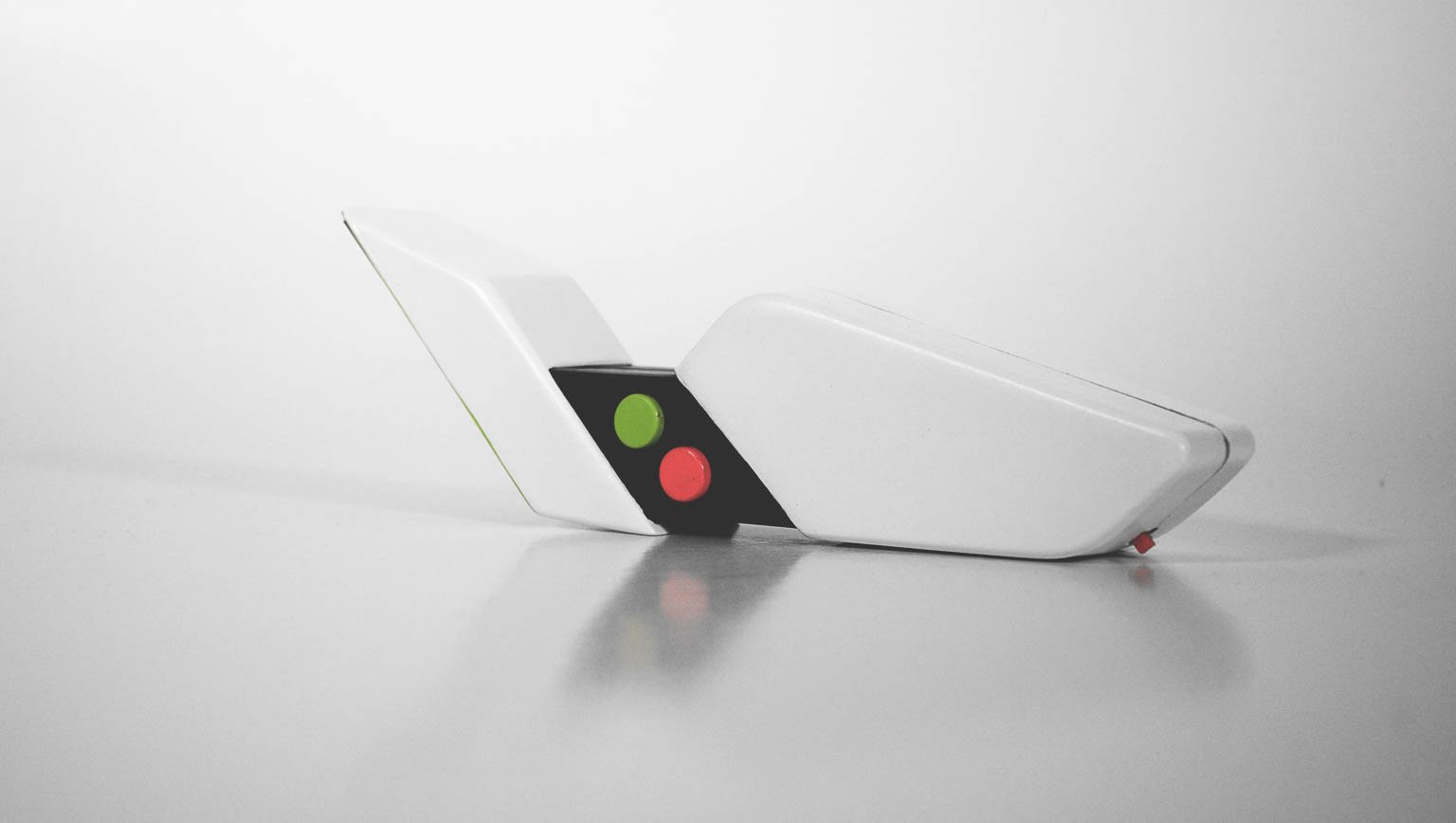
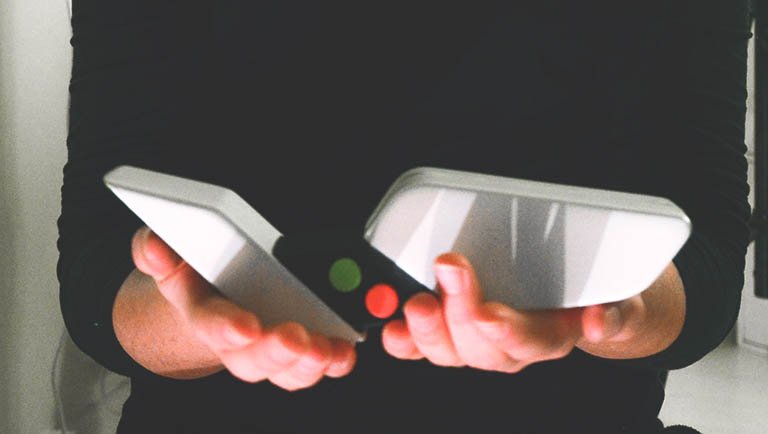
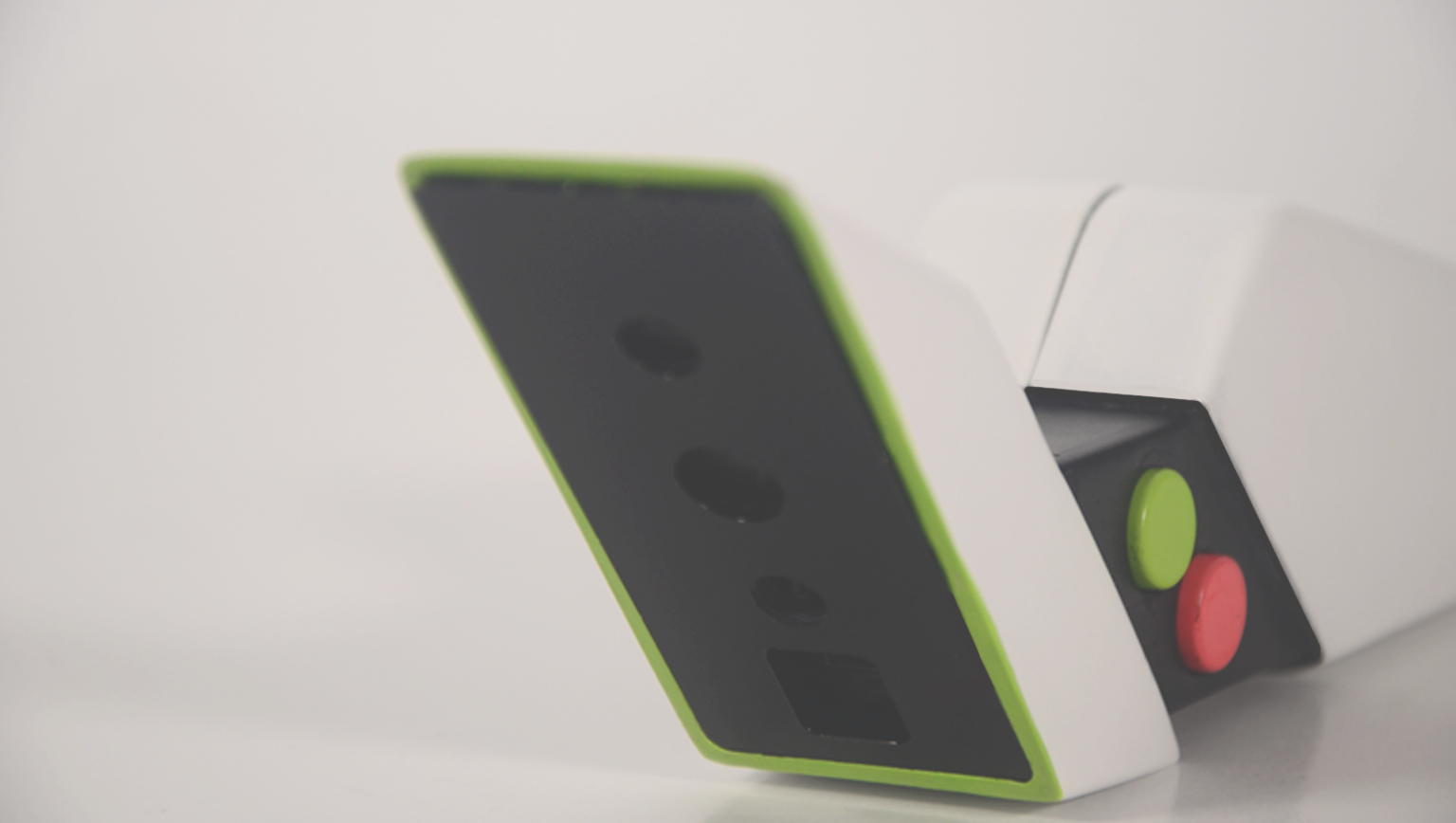
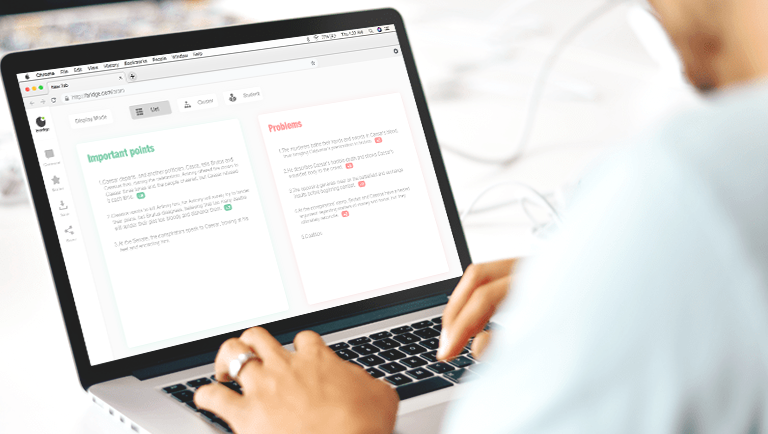
Bridge connects the two ends of the classroom, the teachers and the students. In Denmark, due to the huge size of the classrooms, it becomes quite difficult for the teacher to focus on each student. Using Bridge, students can highlight the contents they either find important or difficult which is directly sent to a webpage. The entire platform is anonymous, which helps the students not to worry about the fear of judgment. The webpage runs an algorithm to sort the information based on the priority. The teacher can check all the contents on the webpage and have an understanding of the things that need to be explained. Bridge saves the teacher time and also makes sure that every student gets equal opportunity to raise their problems.
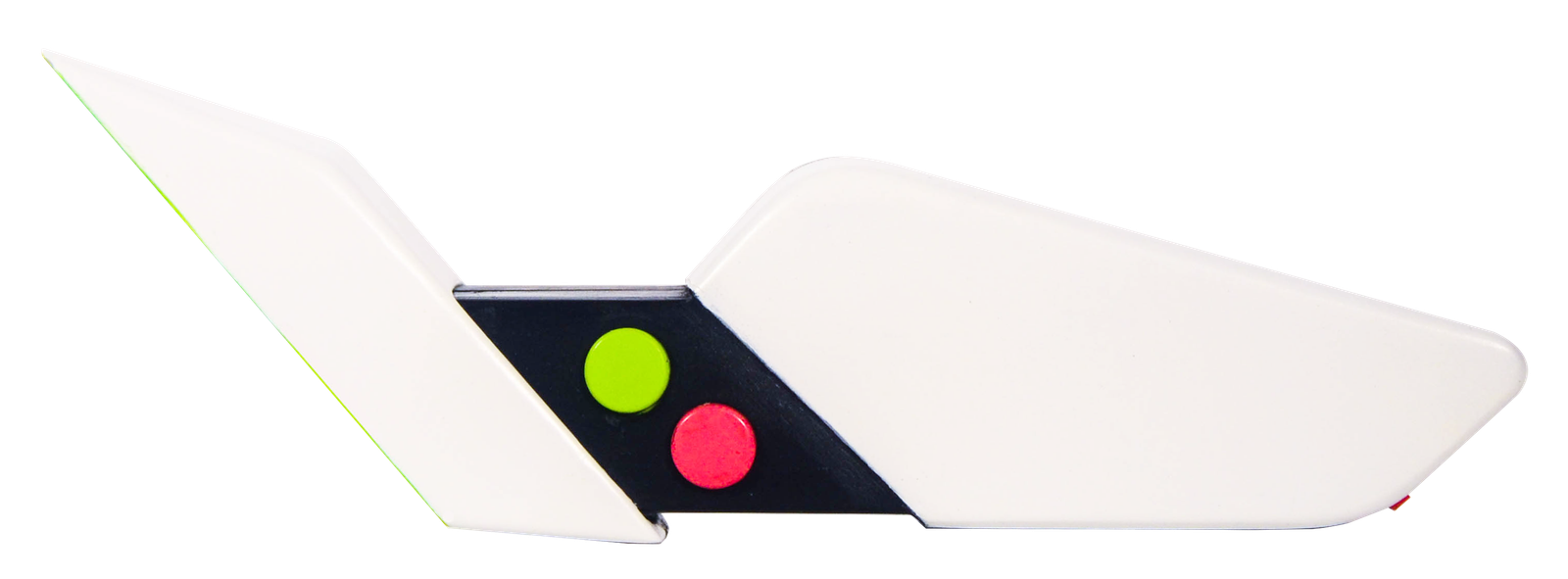
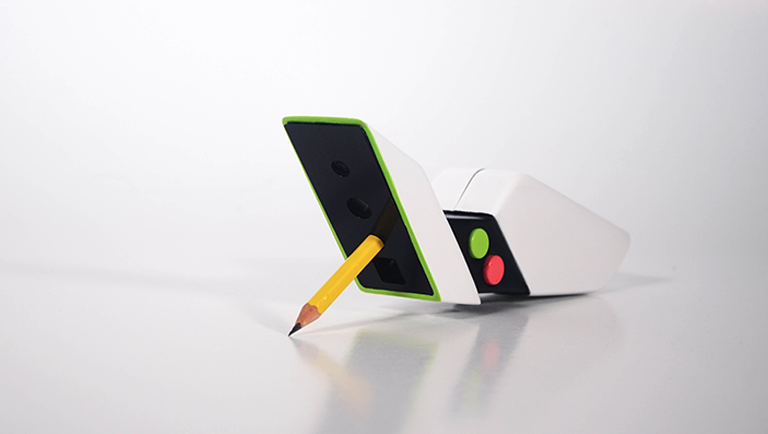
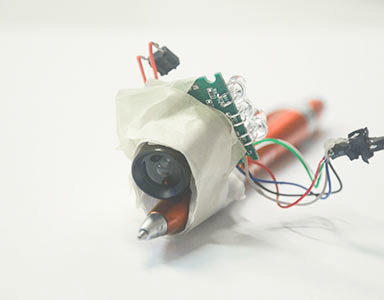
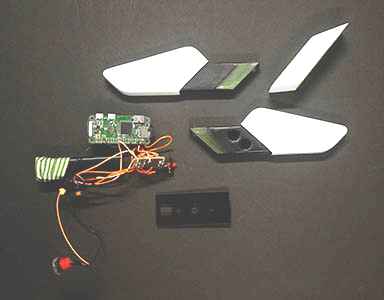
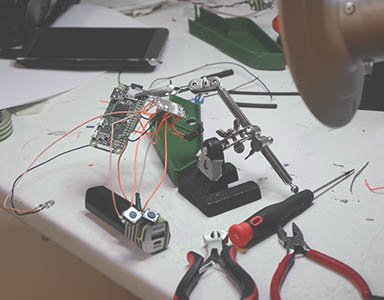
Created with Raspberry Pi, Bridge captures a series of frames when any of the two buttons are pressed. These frames are stitched into a panorama and the text is extracted from the final image using Optical Character Recognition. The extracted content is sent to the computer using OSC which is finally printed on a webpage.
If the content is scanned using the green button it shows under the column of Important points and if it is scanned using the red button it ends up under the column of Problems. This device requires wifi to work and it is completely wireless which gives students the freedom to use it anywhere they want. Bridge also has a spotlight on its face which enables it to work even in bad lighting conditions.