DUBMATE
What is it?
Dubmate is a portable device designed to share files through a tangible user interface (TUI) avoiding the use of computers.
Who is it for?
Dubmate is for people who want to share files “face-to-face” in an intuitive and immediate way. The shared content can span from a business card to a whole portfolio, personal documents, movies and songs etc.
Why is it valuable?
- Quality over quantity: as in the MixTape culture, the shared content is highly selected
- Trustable content: face-to-face personal exchange
- Fun and free: sharing files can be a beautiful social experience
- Simple to use: very low learning curve, plug and play
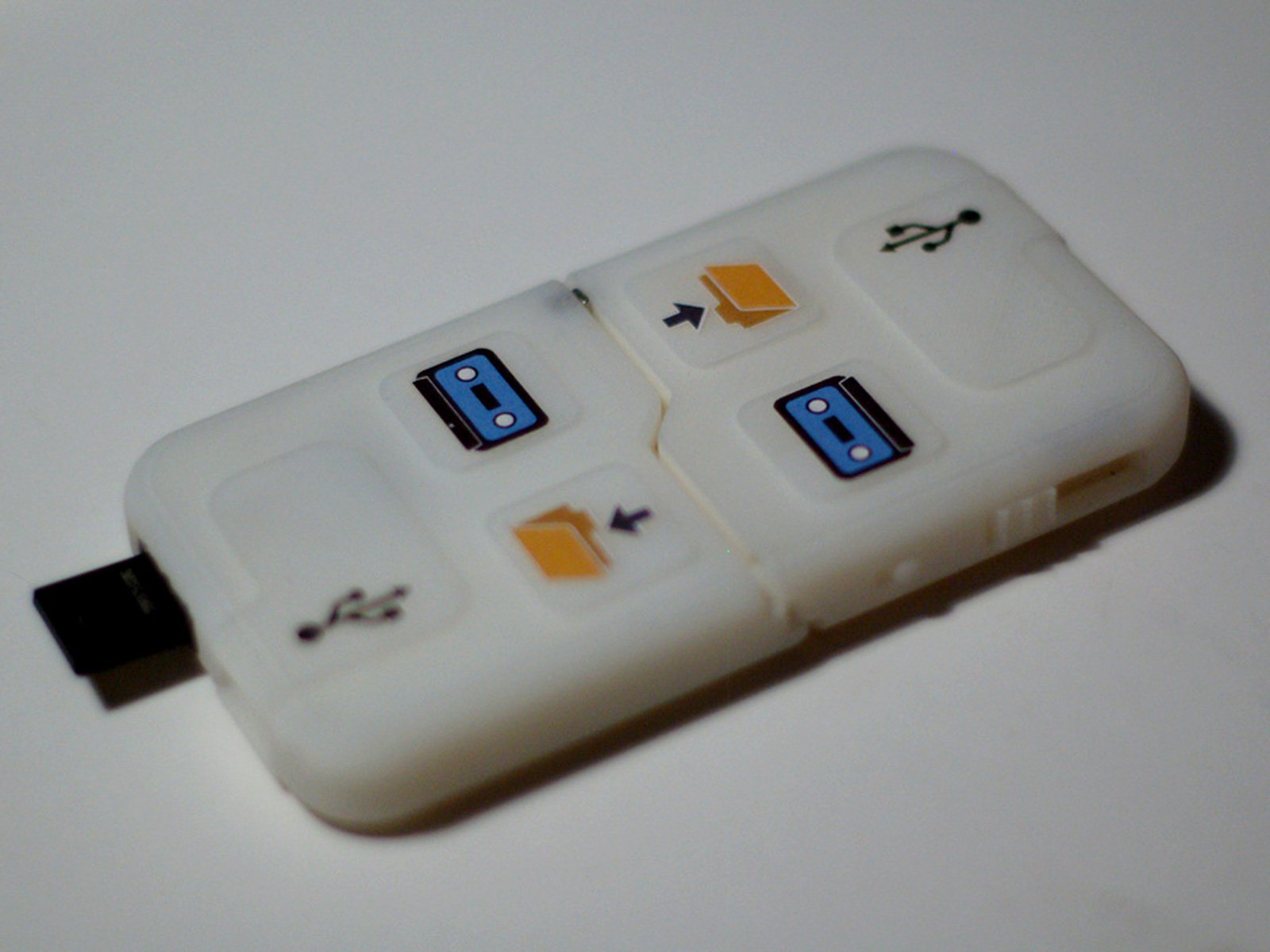
- Audiocassette metaphor: A-side for public files and B-side for personal files
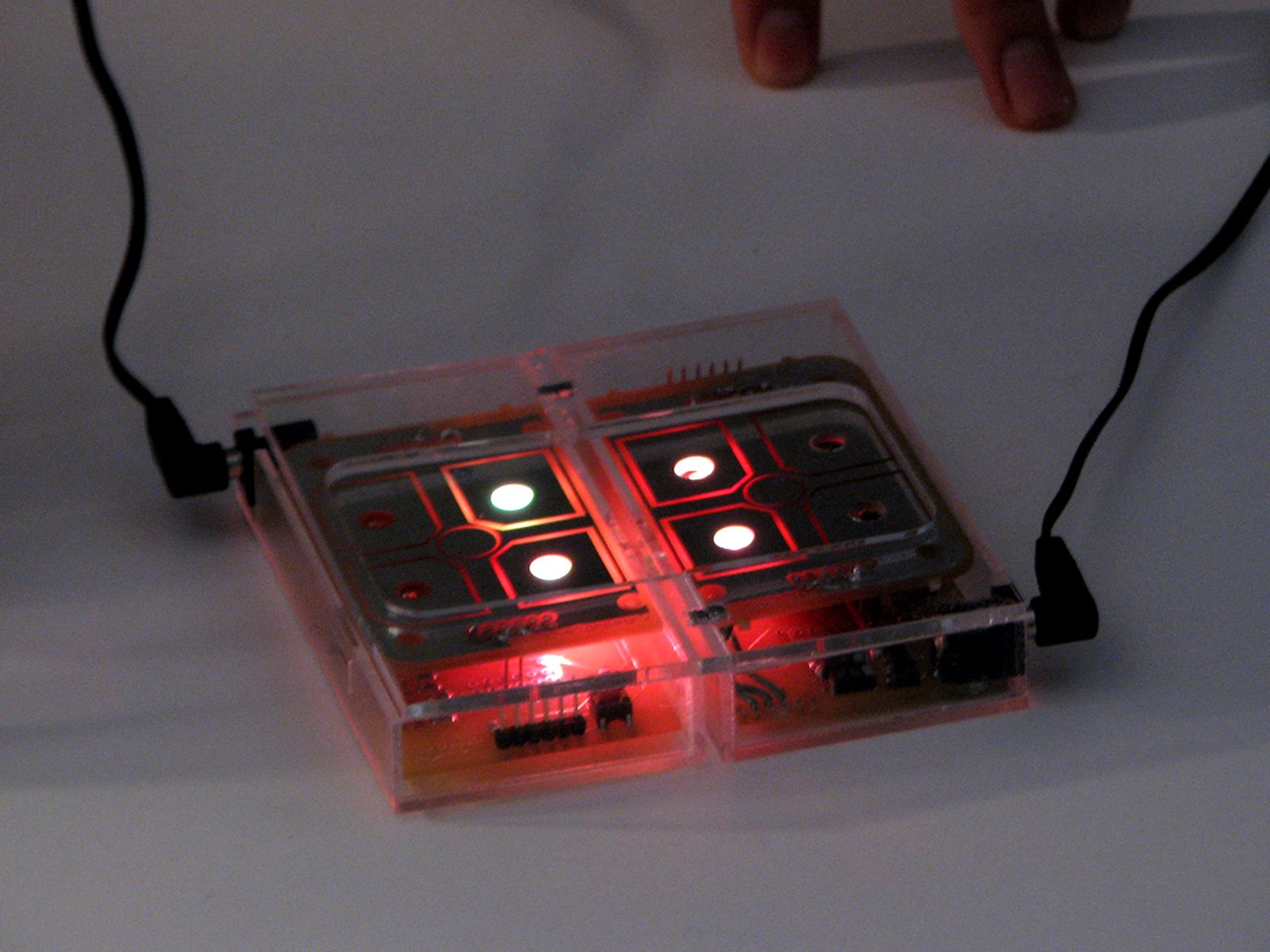
- Intuitive user interface: light feedback, no screens or buttons, touch sensors & tactile surface design, physical gestures (to drag files, check battery level and the space available)
- Compatible with USB technology
- No computer needed to transfer files: autonomous, stand-alone device
- Customisable: the user can choose personal colour themes, turning the device into a unique object
- Access to information: physical peer-to-peer, allowing free information flow without any further infrastructure.
How does it work?
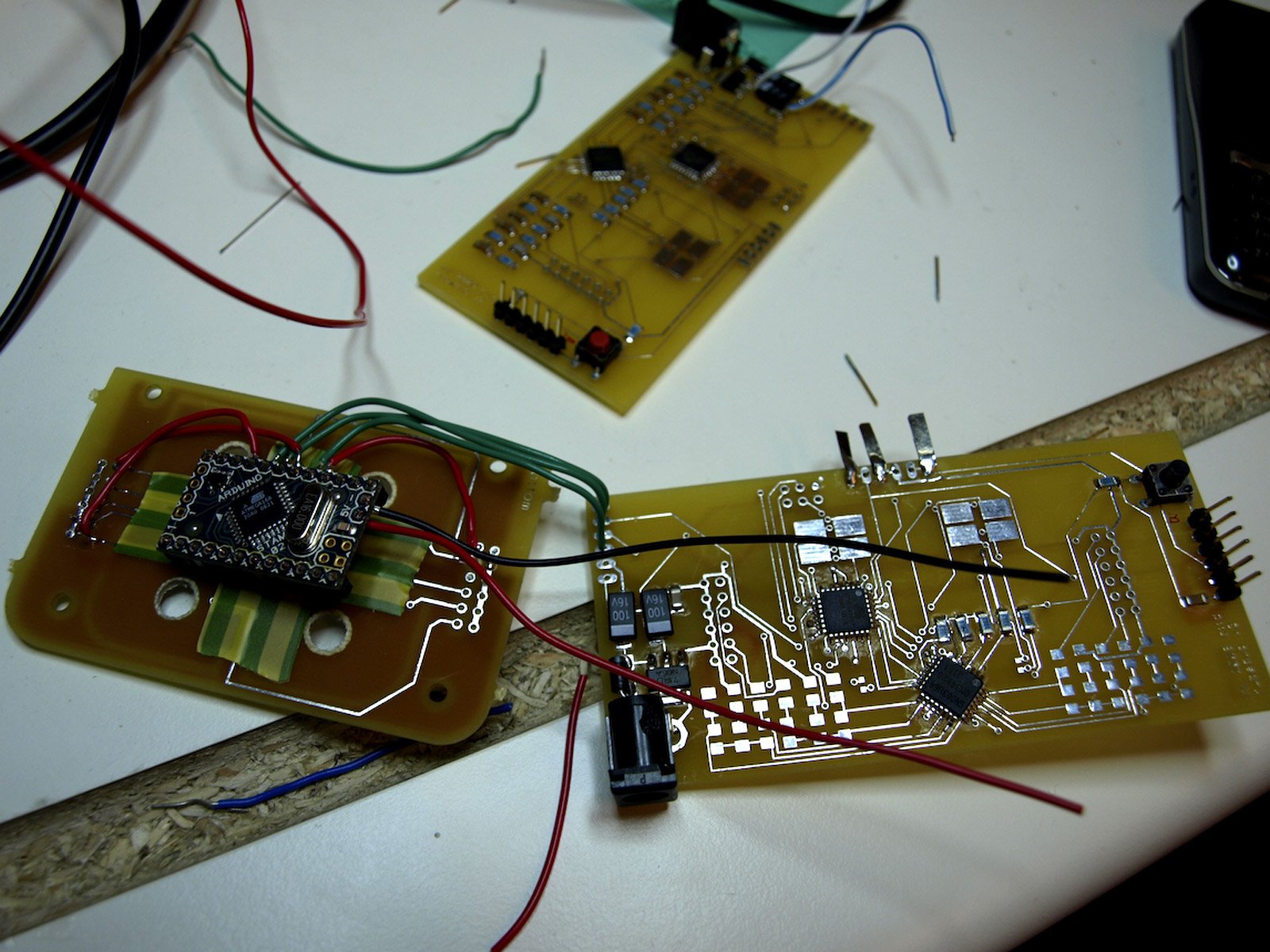
Each device contains custom made PCBs, touch sensors pads, serial communication & USB ports that allow Dubmate to communicate with other devices. Main PCB contains: 2 RGB Leds; 2 white Leds; a 3-axis accelerometer; ATmega168 CPU; & 1 Omron touch sensor chip. The Touch Sensor Pad: 5 custom made antennas for the capacitive sensors
File sharing between 2 Dubmates:
Serial port communication, magnet connection, double-side file transfer: slide the content between the two Dubmates. Using capacitive sensors, RGB light feedback
File sharing between Dubmate and USB stick:
USB protocol communication, double side file transfer: slide the content between Dubmate and USB stick. Using capacitive sensors, RGB and white light feedback
File sharing between Dubmate and computer:
USB protocol communication
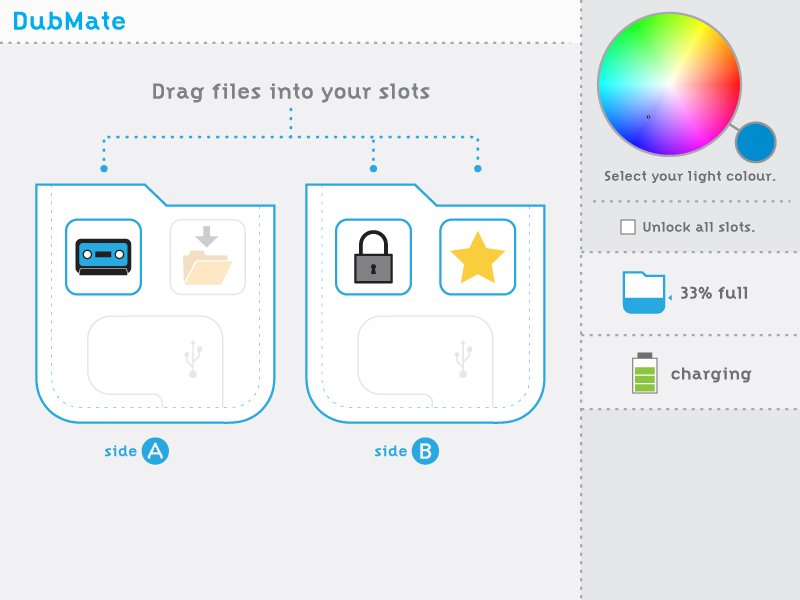
Software to set up preferences: open all the slots to receive and send files, choose the personal colour theme
What were your key learnings?
- Importance of discussion - in an early phase - about the whole design process from concept to final working prototype (including a review with Durrell Bishop)
- Defining the device’s functions and behaviours and choose the right electronic components
- Working and designing with physical and technical limitations (i.e. no screen interface, small size)
- Dealing with a short time span (order components on time, organise the work flow)
- File sharing ethic, DRM issues (Hacker philosophy, Pirate Bay project)
- Rapid PCB production (customised design, Eagle software, surface mounted components)
- Rapid prototyping (3D ABS printer)
- Laser cutter prototyping
Special thanks to David Cuartielles, David Mellis & Nunzia Coco.